Direct-to-consumer (DTC) brands invest heavily in paid digital traffic, with mid-sized ecommerce brands routinely spending between $30,000 and $150,000 every single month on Meta, TikTok, and YouTube ads. Established consumer brands allocate well over $5 million to $10 million annually to keep their customer acquisition channels running.
But glossy, over-produced commercials rarely deliver good results anymore. Most people scroll right past ads that look like ads.
What tends to convert is UGC (User-Generated Content). These are casual, mobile-first videos that look and sound like an honest review from an everyday person.
Brands buy this content constantly. They typically pay anywhere from $100 to $300 for a 30-second video clip, and companies running active ad accounts often buy variations every month to test new hooks.
A few practical realities most people get wrong about this work:
- You do not need a following. You send raw video files directly to the brand's marketing manager. You never have to publish them on your personal account.
- You do not need expensive cameras or studio setups. The baseline standard brands expect is simply crisp 1080p footage shot at 30 or 60 frames per second with decent daytime window light. Any iPhone 11 or newer, or a comparable Android device like a Samsung Galaxy S20 or Google Pixel 5, easily covers this requirement.
- You do not always have to show your face. Showing your face on camera can definitely give you an edge because direct eye contact builds fast trust with viewers, but plenty of successful creators build steady incomes without ever appearing on screen. They focus entirely on hands-on product unboxings, over-the-shoulder demonstrations, aesthetic b-roll cutaways, and screen-recorded software walkthroughs paired with clear voiceovers.
The main hurdle for beginners is time management. If you spend five hours manually editing subtitles and trimming dead space for a $150 video, your hourly rate drops quickly. Creators who build a dependable side income use a straightforward toolkit to cut down editing time and deliver clean drafts faster.
The 4-Part Script Formula Brands Look For
Brands buy UGC for one reason: they want viewers to click and buy. If your videos help their ad performance, they will keep coming back with monthly work.
Most working direct-response ads follow a simple 30-second outline:
- The Hook (0–3s): Catch attention immediately. Call out a specific daily problem or challenge. (Example: "If your skin feels dry no matter how much moisturizer you put on, you might be making this mistake.")
- The Friction (3–10s): Talk about the common frustrations people have with standard solutions. Keep it conversational and relatable.
- The Product in Action (10–22s): Bring in the product as a sensible solution. Show how it works, how it feels, or what the immediate experience looks like.
- The Clear Call to Action (22–30s): Tell the viewer what step to take next. (Example: "You can find the bundle on their site through the link below.")
4 Tools to Cut Down Production Time
If you are running this alongside a regular job, you cannot spend every evening manually syncing subtitles or searching for background assets.
Here is a practical software stack to speed up each step:
1. Concept Ideation and Variations: MakeUGC
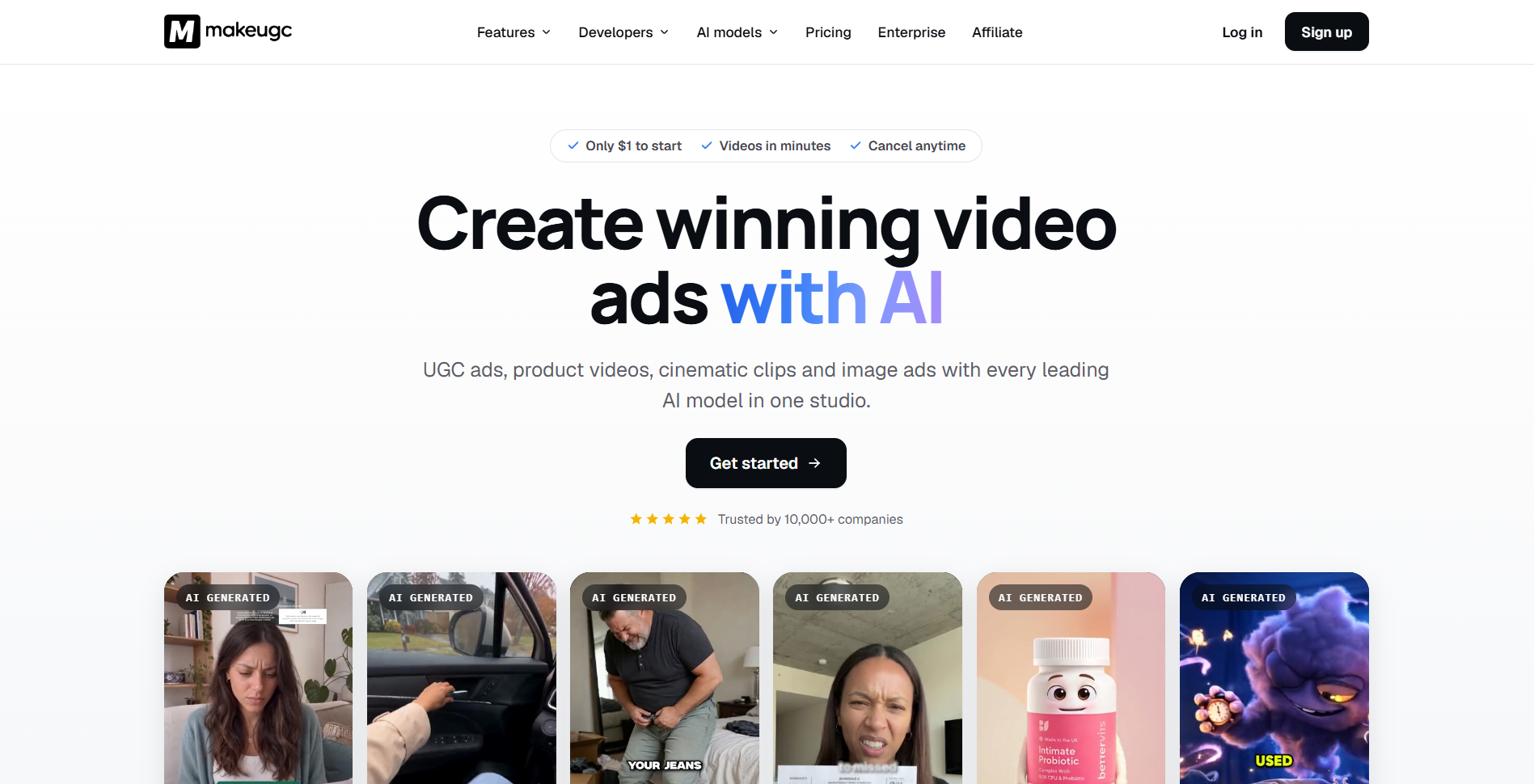
(Helpful for quick prototypes and faceless angles)
Sometimes you hit creative blocks, or a brand wants to test multiple angles before shipping physical inventory.
MakeUGC helps you sketch out UGC-style concepts, scripts, and video frameworks quickly from product details.
- Why it helps: You can send a prospective client a few rough creative concepts upfront. Showing initiative with concrete ideas makes it much easier to start a conversation with a marketing lead.
- Smart approach: Use generated outlines to plan your real footage, or blend product cutaways with clear voiceovers for clean demo ads.
- 👉 Explore MakeUGC on AI Tools Tribe
2. Fast Captions and Cutdowns: Submagic
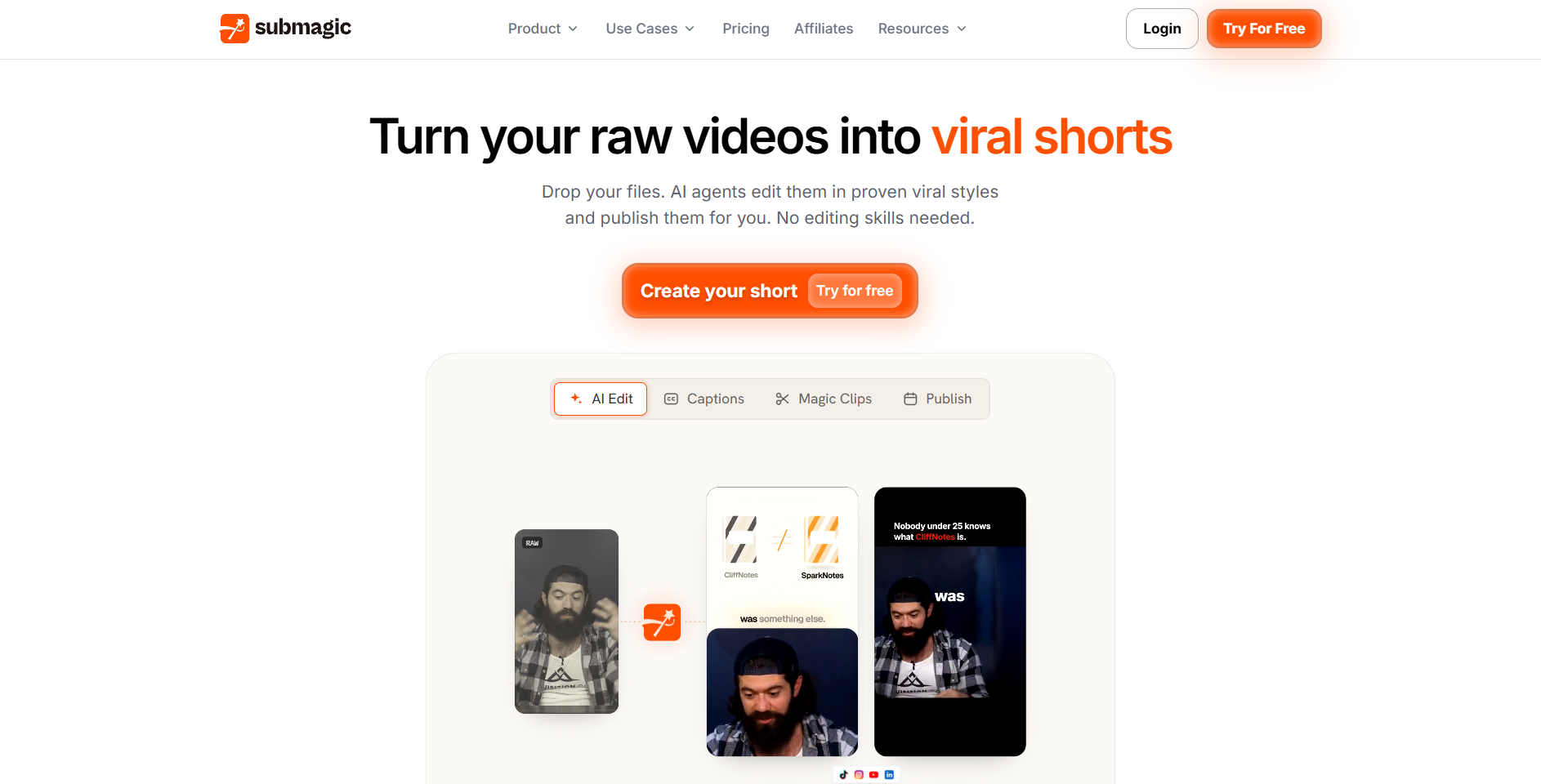
(Clean up raw takes in minutes)
Raw video files straight off a phone can feel flat. High-retention ads usually feature clear subtitles, subtle zoom cuts to keep pacing active, and light sound accents. Adding all of those by hand in complex video editors takes hours.
Submagic streamlines that entire editing phase.
- Upload your raw take, and Submagic generates styled captions, cuts out filler words and long pauses, and lets you add quick visual emphasis where it fits.
- Why it helps: It turns a tedious 45-minute captioning and pacing job into a five-minute review, so you can deliver two or three polished variations without getting stuck in timeline menus.
- 👉 Try Submagic for quick video edits
3. Product Presentation: Claid AI
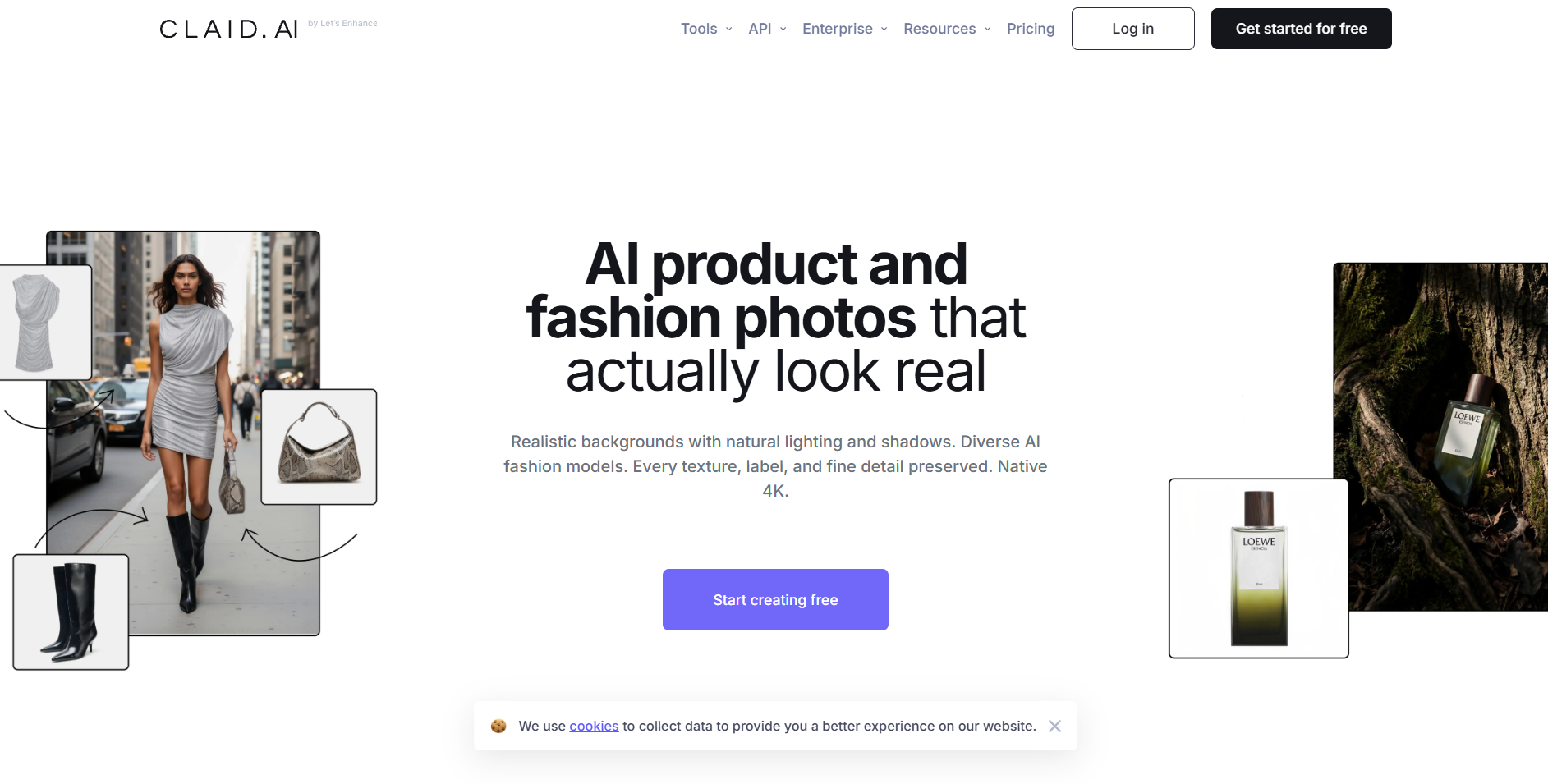
(Turn flat product images into clean lifestyle visuals)
Clients often send basic product photos on white backgrounds and ask you to fit them into an everyday scene. If you do not have ideal lighting or dedicated staging areas, getting those shots manually can take significant time.
Claid AI takes flat product photos and places them into natural, high-resolution lifestyle settings.
- You can set products on clean kitchen counters, office desks, or bathroom shelves with consistent lighting and natural shadows.
- You can drop these rendered lifestyle stills into your video timeline as b-roll during the solution portion of your script.
- 👉 Check out Claid AI for product imagery
4. Client Outreach: MailScale
(Find and contact marketing leads consistently)
Reaching out through social media DMs rarely works because those accounts are usually handled by social media interns rather than the people who manage ad budgets.
You want to reach the growth marketing manager or founder directly over email.
MailScale helps set up separate domains and warm up email accounts so your pitch emails land directly in the primary inbox instead of the spam folder.
- The practical benefit: Rather than sending scattered messages here and there, you can maintain a steady routine of 15 to 20 polite, well-targeted pitches each weekday. Consistent outreach is what leads to steady client work.
- 👉 Set up your outreach system with MailScale
A Simple Email Pitch That Gets Answers
Avoid generic messages such as: "Hey, love your brand! Can I make content for you?"
Busy marketers ignore vague outreach. Instead, send a short, helpful note with clear ideas:
Subject: Quick concept for [Brand Name]'s video ads
Hi [First Name],
I noticed you are running video ads for [Product Name] on Meta and TikTok.
Looking at your current creative, I put together three hook ideas focused on practical use cases:
[Hook Concept 1: Focused on a common user frustration]
[Hook Concept 2: Focused on quick contrast or comparison]
[Hook Concept 3: Focused on daily routine use]
I also put together a short 15-second draft showing how one of these concepts could look with clean pacing and captions. Would you like me to send over the review link? Happy to share it if helpful.
Best regards,
[Your Name]
If they say yes, assemble a short preview using your toolkit and send over a watermarked link. Once they see you understand direct-response structure and can deliver clean work, you can discuss package pricing.
A standard starting offer looks like this:
- Test Package: 2 to 3 video variations with different opening hooks: $250 to $400
- Monthly Retainer: 4 to 6 finished video assets each month: $600 to $1,200
Building a Sustainable Process
Treating UGC as a side hustle does not require full-time hours, expensive gear, or an existing online audience. It just requires understanding what marketing teams need, keeping your editing workflow fast, and sending steady outreach every week.
By using tools like MakeUGC for planning, Submagic for quick edits, Claid AI for product assets, and MailScale for email delivery, you can spend less time struggling with software and more time landing paid work.
Frequently Asked Questions
Is it possible to make money with UGC?
Yes. Brands actively pay everyday creators for User-Generated Content because casual, phone-shot videos convert better in social media ads than polished studio commercials. Beginners typically charge $50 to $150 per video, while intermediate creators earn $150 to $300 per clip—and you do not need any followers since the brand runs the video on their own ad accounts.
How do I start UGC as a beginner?
Pick 3 to 5 products you already own around your house (such as skincare, coffee, tech gadgets, or apps) and film short 15-to-30-second sample ads using natural window light and your phone. Edit them cleanly with captions, organize them into a simple portfolio link (using Canva or Google Drive), and start pitching brands with your sample work.
How do I become a paid UGC creator?
Move from free samples to paid deals by pitching brands directly rather than waiting to be discovered. Create accounts on UGC marketplaces (like Insense, Billo, or JoinBrands) to apply for inbound briefs, and send personalized cold emails to e-commerce marketing managers showing how your video concepts can improve their current ads.
Can you do UGC faceless?
Yes. Many brands specifically look for faceless content because it feels like a genuine product demonstration rather than a sales pitch. Popular faceless formats include aesthetic unboxings, hands-on tutorials, "day in the life" B-roll clips, and app screen recordings paired with a clear voiceover.
Does faceless UGC make money?
Yes, faceless UGC is profitable and follows the same pricing structure as on-camera videos for standard brand briefs. While showing your face can sometimes help you command higher rates for personal testimonials, faceless creators routinely earn $100 to $250+ per video—or secure monthly retainers—by delivering crisp product visuals and strong hooks for e-commerce, wellness, and software brands.